Have you ever wondered what kind of logins your SEO company will need from you? There are typically 3 logins they will need from you: CMS(Content Management System), FTP(File Transfer Protocol), and Hosting logins. Why do they need these logins?
CMS
If your website has been built with some kind of CMS, such as WordPress, Magento, Wix, Weebly, etc., then the CMS logins usually provide access to make the more basic SEO edits to each of the webpages on your website. This is similar to how if you wanted to hire someone to come clean your home, or a plumber to come fix your leaky pipes, you would need to provide a way for them to come inside your home to do it.
FTP
If your website has been custom-coded so there is no CMS for your website, then FTP logins will be needed to make SEO edits to your website’s templates, content and copy, redirects, etc. If your website does have a CMS, then FTP logins are needed for SEO edits for your website’s templates and for redirects. Some times a CMS can access files like Robots.txt or a sitemap
Hosting
Regardless if your website uses a CMS or is custom-coded, hosting logins are needed to use cPanel which gives access to install blogs and access SQL databases. If there is no cPanel, then it will likely give access to a file editor for SEO edits.
As for security purposes, you can be rest assured that you aren’t compromising your confidential information, like your bank account. You are just giving access to make the changes necessary to your website so that it can rank well in the search results. Having Hosting, FTP, and CMS login information are important in helping drive the best possible results for your SEO campaign.
Expert level knowledge Below! Even more Details about Hosting and CMS’s
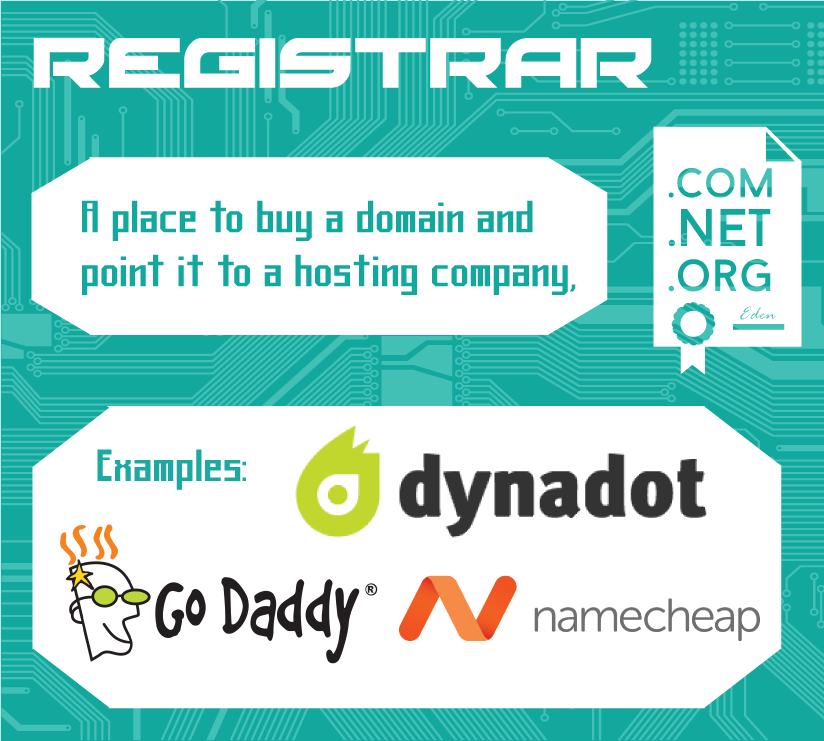
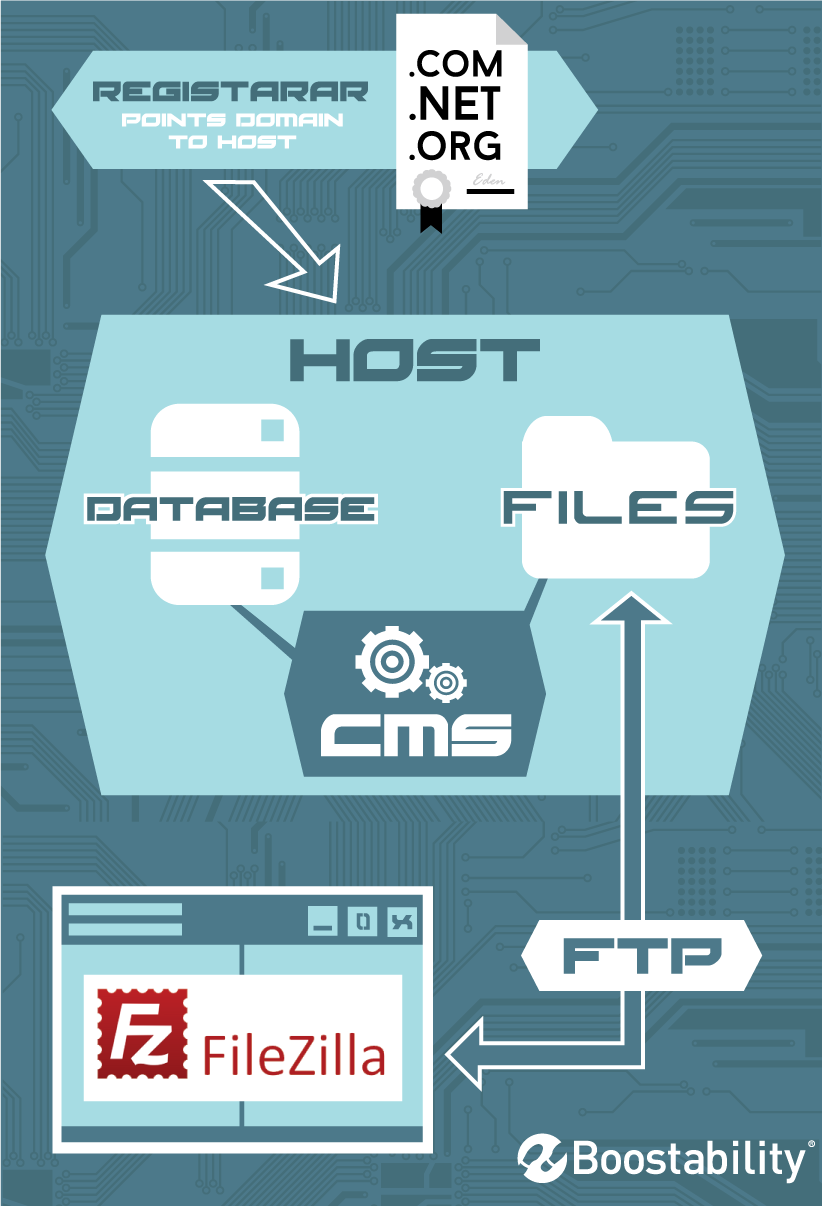
Registrar (e.g. Godaddy, Namecheap)
This is a company where a domain is purchased (registered) from ICANN (The Internet Corporation for Assigned Names) for a specific amount of time (minimum 1 year, maximum 10 years).
Registrars are only where domains are registered. They do not host any files. You point the domain’s name servers to the desired host.
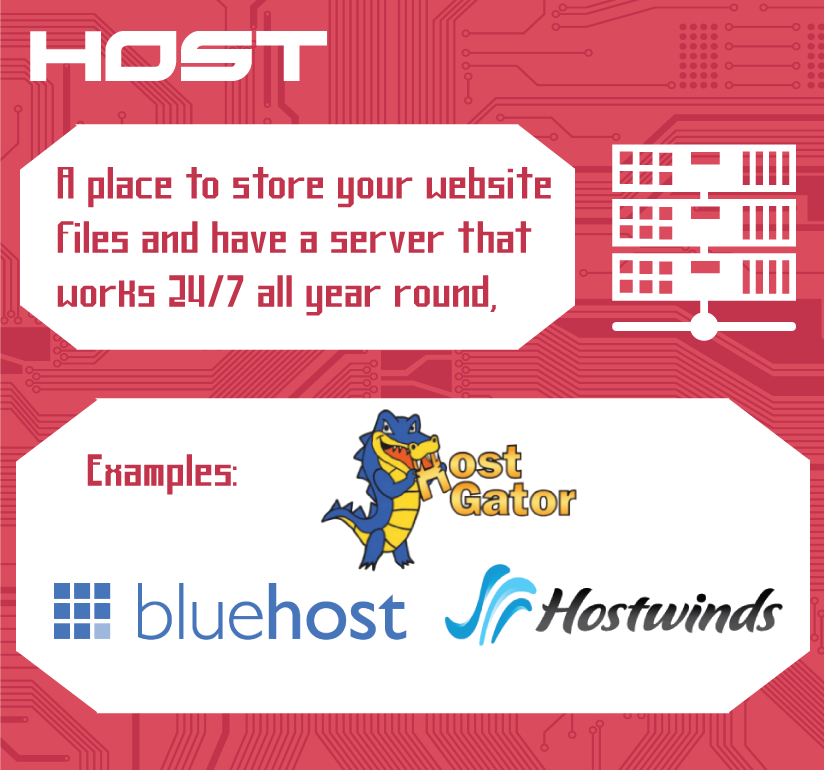
Host (e.g. HostGator.com, Bluehost)
The host is the company that owns the server the site files are stored on.
Hosts will provide a backend service. One of the most popular host platforms is cPanel. The backend gives control to a file manager and a database manager (PHPMyAdmin) and gives them the ability to create FTP users and more features. For simplicity purposes, we are going to break it up into two sections: files and databases.
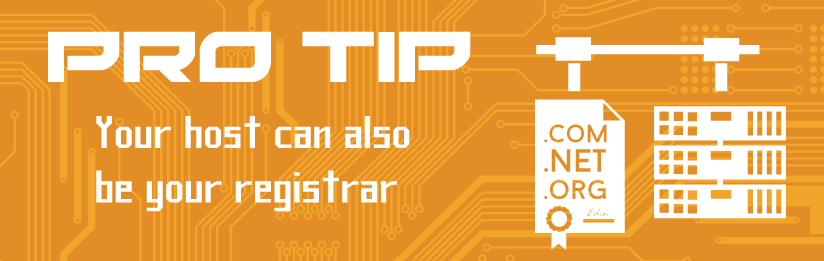
Pro Tip: Your Host can be your Registrar. It is very convenient to have your hosting company as your registrar. One login for both things.
FTP — File Transfer Protocol
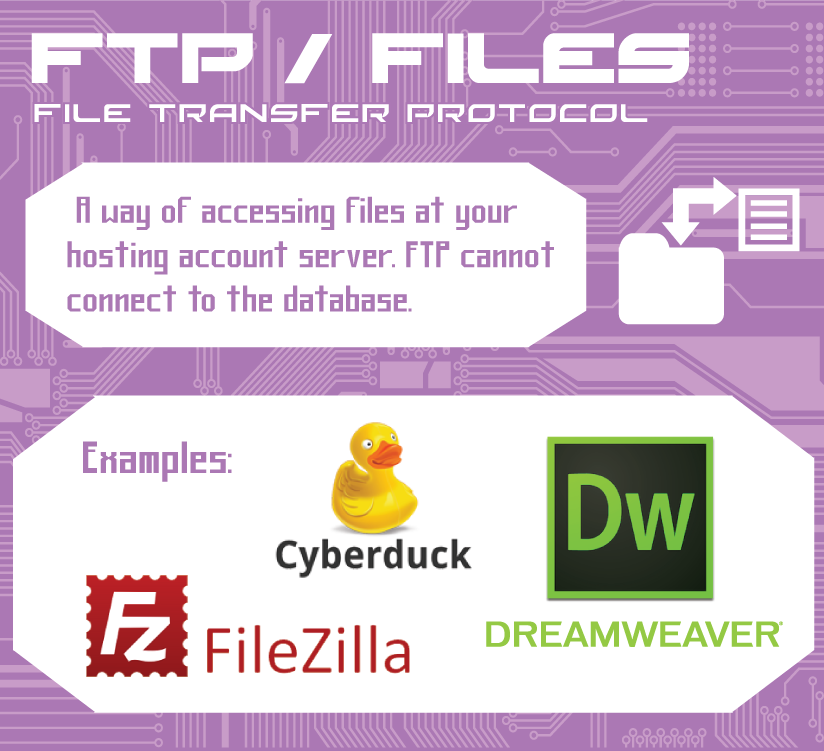
This is used to transfer files from one host to another through a TCP (transmission control protocol) network, such as the internet. Files are static files that can be directly edited through a text editor (index.html, index.php, robots.txt, style.css, etc. with a program like NotePad++).
To edit these files, you can use a host’s file manager or connect to the server using an FTP client (e.g. FileZilla, DreamWeaver, etc.).
Database — SQL
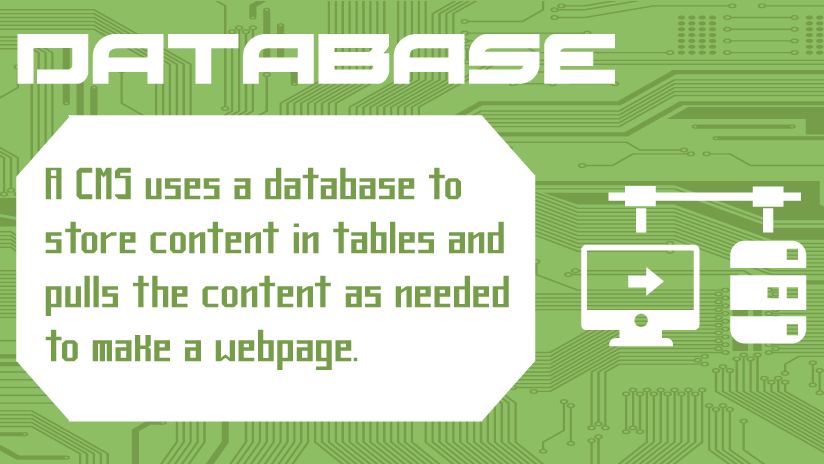
A database is a structure designed to organize data so it can be sorted and retrieved quickly.
A database is not just a file that a text editor can edit. It has to be accessed using SQL—Structured Query Language.
A website uses a scripting language (PHP, Python, Ruby, etc.) to run queries on a database to access the information it needs.
CMS — Content Management System
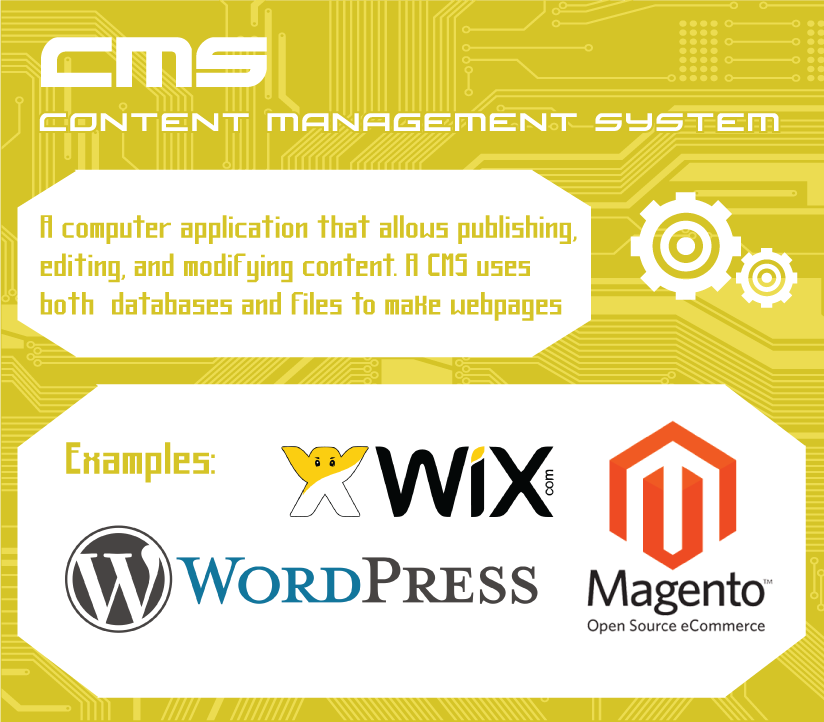
A CMS is a web application that uses static files as a framework and fills in content dynamically from the database. Examples of popular CMSs include WordPress, Joomla, and Drupal.
A CMS is managed from an Administrative Dashboard designed to take the coding aspect out of building a website. All of its content is stored in a database (generally) and the page’s content can’t be edited through FTP. It must be done through the CMS admin area or through the database.